Running a business means relying on suppliers who deliver—literally and figuratively. But how do you know if your vendors are truly up to par? That’s where a tool to evaluate supplier reliability comes in handy. It’s a game-changer for procurement teams and business owners who want to streamline operations without the guesswork.
Why Supplier Evaluation Matters
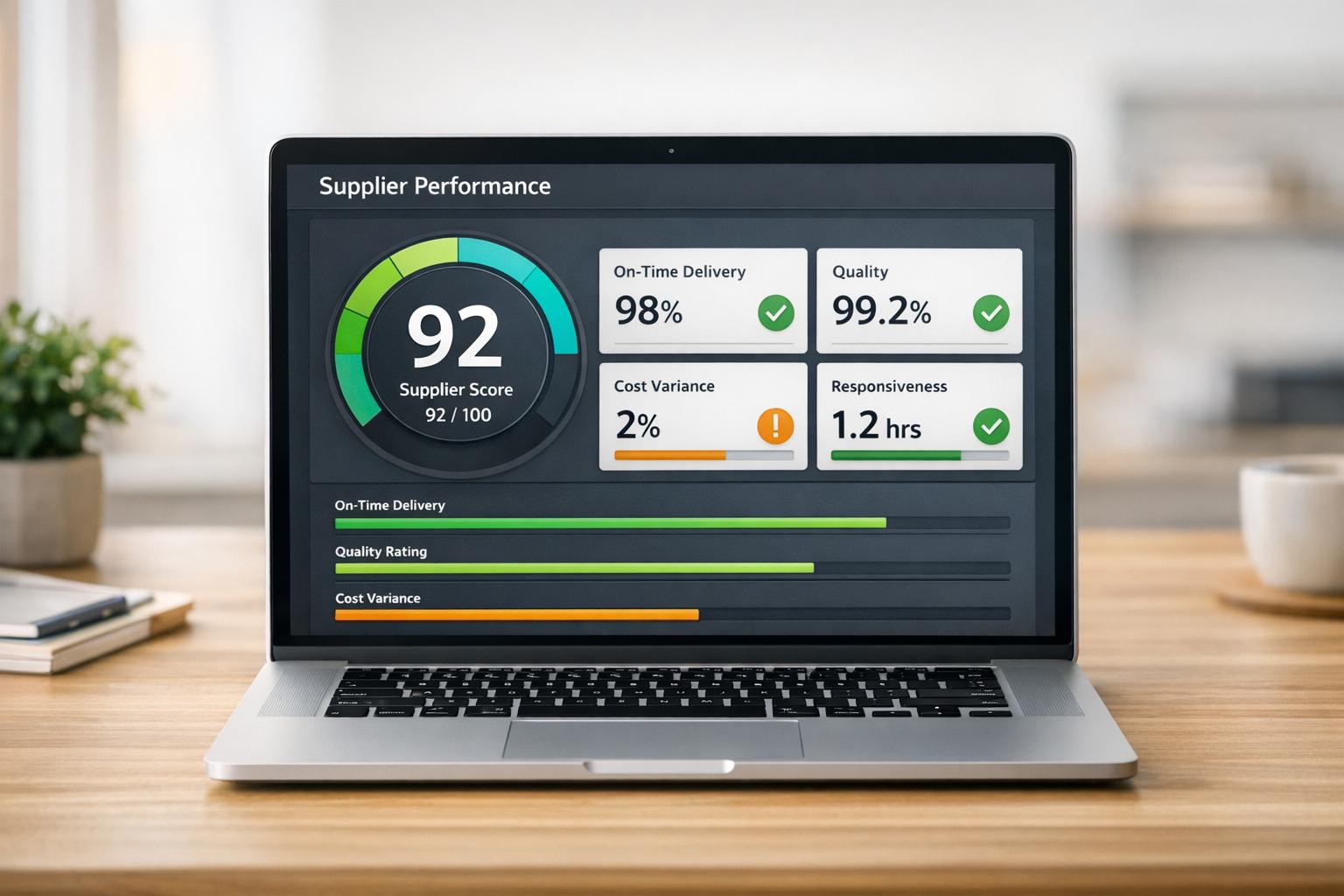
Poor supplier performance can ripple through your entire operation, causing delays, frustrated customers, and unexpected costs. By using a vendor assessment tool, you can analyze key factors like delivery timeliness, product standards, and communication. This isn’t just about pointing fingers; it’s about building stronger partnerships and making data-driven choices. Imagine having a clear, numerical score that highlights whether a supplier is a rockstar or a risk.
Beyond the Numbers
A good evaluation system doesn’t just crunch numbers—it offers insights. You’ll see where a supplier excels or falls short, helping you address issues before they spiral. Whether you’re managing a small shop or a sprawling supply chain, taking control of vendor reliability can save time and money. So, why not give it a shot and see the difference for yourself?
FAQs
We take the four metrics you provide—on-time delivery rate, product quality rating, communication responsiveness, and order accuracy rate—and weigh them to create a final score out of 100. Delivery and accuracy each count for 30% of the total, while quality and communication contribute 20% each. It’s a balanced approach to give you a clear picture of overall performance. If you skip a field, we pop in a neutral value, like 50% for percentages or a 3 out of 5 for ratings, so the calculation still works.
What do the color-coded results mean?
The color coding is a quick way to gauge your supplier’s performance at a glance. A score of 80-100 gets a green indicator, meaning they’re doing excellent and you’ve likely got a reliable partner. Scores between 60-79 show up as yellow, suggesting they’re decent but could use some tweaks. Anything below 60 is red, signaling that there are serious issues to address with this vendor.
Can I trust the default values if I don’t have all the data?
Absolutely, the default values are there to help when you’re missing some info. We use 50% for percentage-based metrics like delivery or accuracy rates, and a middle-of-the-road 3 out of 5 for ratings like quality or communication. These are neutral placeholders, so they won’t unfairly skew the results high or low. Of course, the more real data you input, the more accurate your score will be.


%202%20(1).png?width=40&height=40&name=20250501_1415_Professional%20LinkedIn%20Update_remix_01jt6gxkjmekavnvzsewk61z9w%20(1)%202%20(1).png)